Washer Reset Guide & Helper
Select your machine's brand or the type of reset you need to see the step-by-step instructions.
Use this if you're unsure of the brand or if a soft reset didn't work. This clears the capacitors on the control board.
Action: Hold "Spin" and "Soil Level" buttons for 3 seconds.
Typical Goal: Clear error codes or initiate calibration mode.
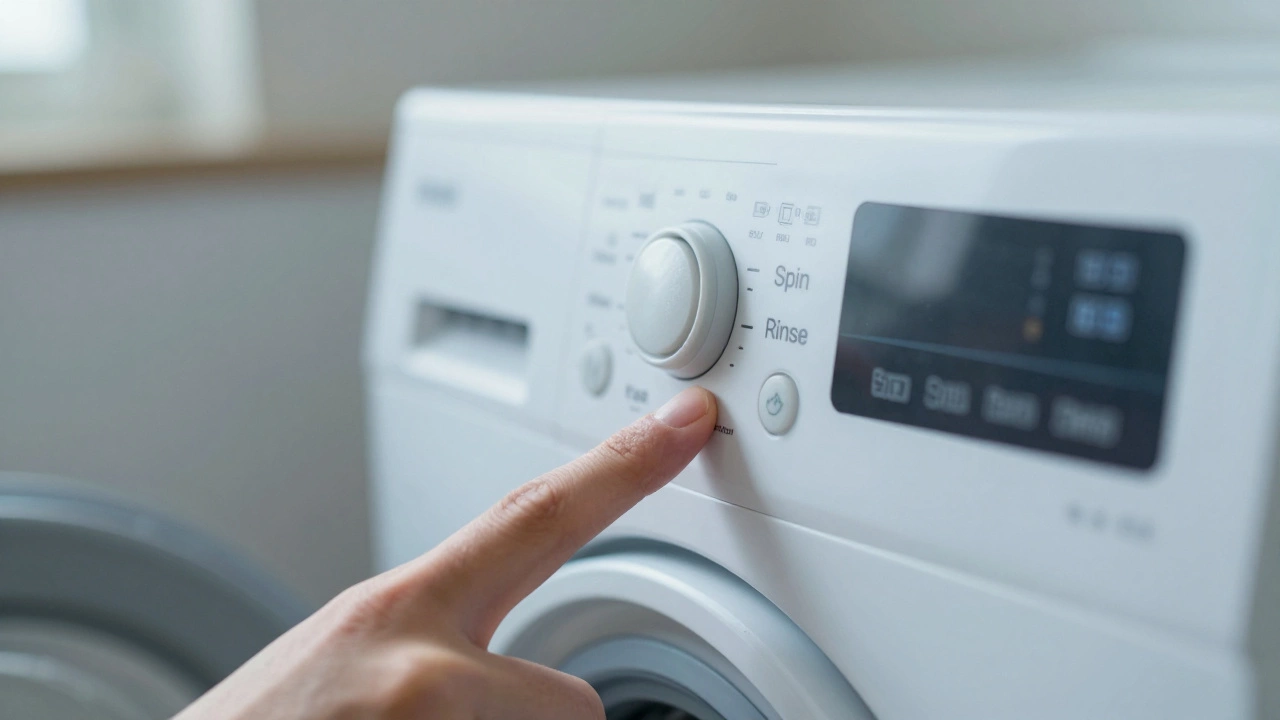
Action: Hold "Spin" and "Rinse" buttons for 3 seconds.
Typical Goal: Reset the electronic control board.
Action: Turn dial 3 clicks right, 1 left, 1 right, 1 left.
Typical Goal: Enter Diagnostic Mode to identify specific faults.
Action: Turn dial clockwise 3 times, then counter-clockwise 1 time.
Typical Goal: Reset the timer or the current cycle.
Action: Unplug for 1 minute, then hold "Start" for 5 seconds.
Typical Goal: Clear the temporary memory.
Quick Summary: The Fast Fix
- The Hard Reset: Unplug the machine for 5 to 10 minutes to drain the capacitors.
- The Control Reset: Use specific button sequences (varies by brand) to clear error codes.
- The Drain Reset: Forcing a drain cycle to clear water-level sensor errors.
- Calibration: A specialized mode that helps the machine "re-learn" the weight of the drum.
The Universal "Hard Reset" Method
When you aren't sure what the problem is, start with the hard reset. This is the most reliable way to clear a "stuck" brain. Modern washers use Control Boards (the electronic brain) that hold onto errors even after you turn the power switch off. To truly clear it, you have to starve the machine of electricity.
- Turn the dial to the "Off" position.
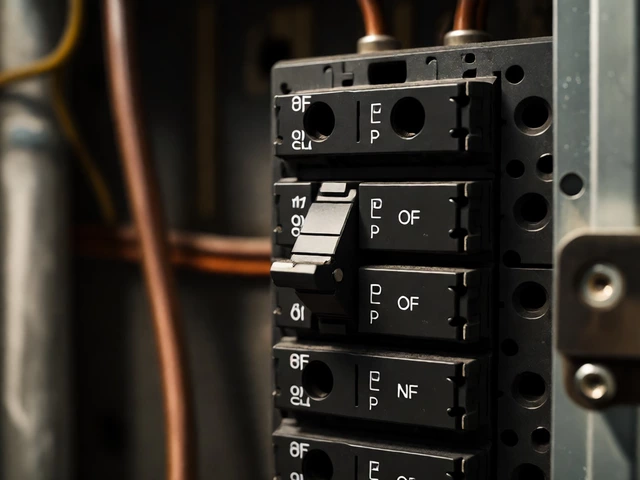
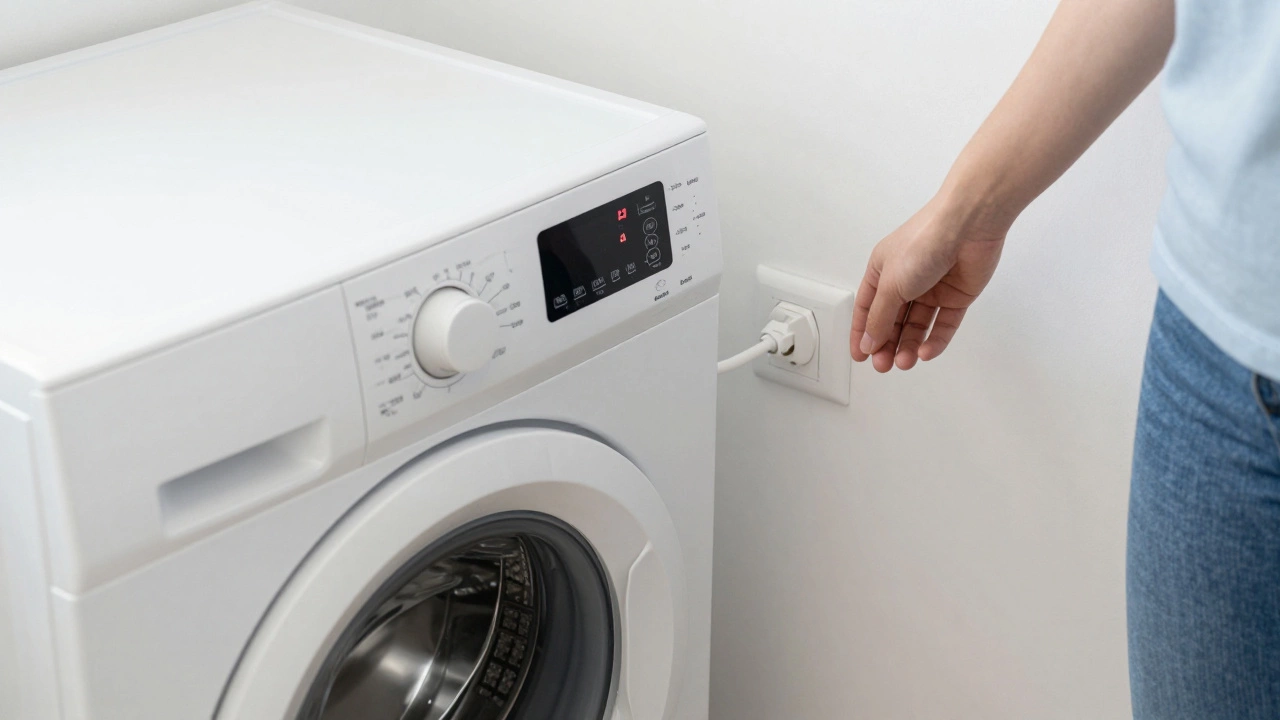
- Unplug the power cord from the wall outlet. If your machine is hardwired, flip the breaker in your electrical panel.
- Wait at least 5 to 10 minutes. This allows the capacitors on the board to fully discharge their stored energy.
- Plug the machine back in and turn it on.
Does this always work? Not if the problem is mechanical, like a broken belt. But if the machine was simply "confused" by a power surge or a sudden stop, this usually does the trick. If it boots up and immediately throws the same error code, you're likely dealing with a hardware failure rather than a software glitch.
Brand-Specific Reset Sequences
Different manufacturers have different "secret handshakes" to reset their systems. These sequences tell the Electronic Control Unit (ECU) to wipe its current state and restart the program. Since you likely don't have the service manual handy, here are the most common patterns.
| Brand | Reset Method | Typical Goal |
|---|---|---|
| Samsung | Hold "Spin" and "Soil Level" for 3 seconds | Clear error codes / Calibrate |
| LG | Hold "Spin" and "Rinse" for 3 seconds | Reset control board |
| Whirlpool | Turn dial 3 clicks right, 1 left, 1 right, 1 left | Enter Diagnostic Mode |
| Maytag | Turn dial clockwise 3 times, then counter-clockwise 1 time | Reset timer/cycle |
| Kenmore | Unplug for 1 minute, then hold "Start" for 5 seconds | Clear memory |
If you have a newer model with a touchscreen, these button combos might not work. In those cases, look for a "Reset" or "Cancel" button and hold it for 5 to 10 seconds. If that fails, the hard reset described above is your best bet.
Dealing with the "Drain and Spin" Trap
One of the most common reasons people want to reset their machine is because it's full of water and won't move. Often, the machine thinks it's still full of water (even if it's empty) or thinks it's unbalanced. This is usually a Pressure Switch issue-the sensor that tells the board how much water is in the tub.
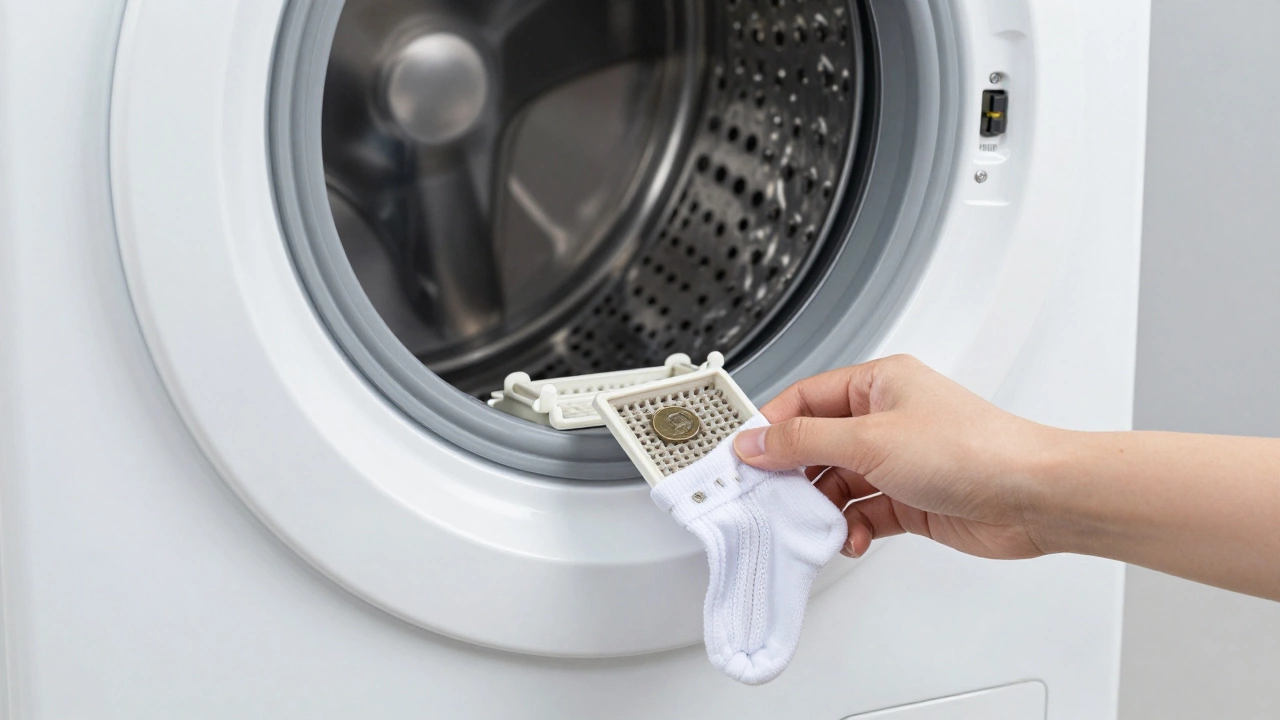
Before doing a full electronic reset, try a "forced drain." Select the "Drain & Spin" cycle exclusively. If the pump kicks in and clears the water, the machine may reset its own logic once the tub is empty. If the pump sounds like it's humming but nothing is moving, you don't have a software problem; you have a clogged Drain Pump Filter. Check the small access door at the bottom front of your machine, put a towel down, and unscrew the filter. You'll likely find a coin, a baby sock, or a hair tie blocking the impeller.
Calibrating Your Machine After a Reset
If you've just performed a factory reset or a hard reset on a high-efficiency (HE) washer, you might notice the machine acting weird during the spin cycle. It might shake violently or stop mid-way. This happens because the machine has lost its "balance memory." It no longer knows exactly where the drum sits in relation to the frame.
You need to run a Calibration Mode. This is different from a reset; it's a test where the machine spins the empty drum to detect the weight and center of gravity. For most Samsung and LG machines, this is done by pressing a specific combination of buttons (usually while the machine is off) and then pressing "Start." The machine will spin for 2 to 4 minutes and then beep. Once this is done, the shaking usually stops, and the error codes related to "unbalanced loads" (like UB or UE) disappear.
When a Reset Won't Save You
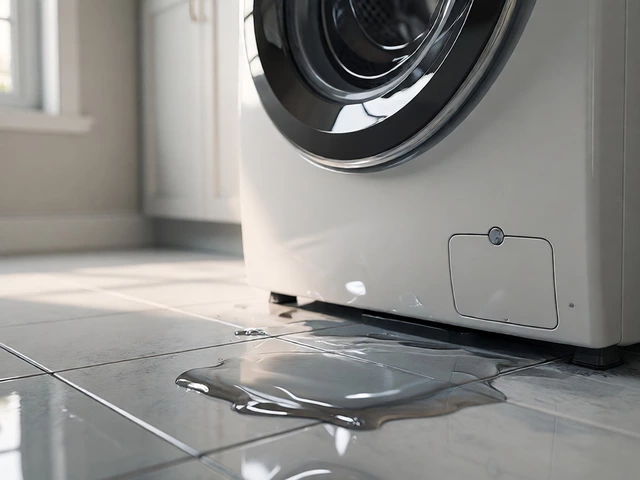
It's important to be realistic. A reset fixes logic errors, not broken parts. If you reset your machine and the error code comes back the second you hit start, the machine is trying to tell you that a physical component has failed. Common hardware failures that mimic software glitches include:
- Worn Door Latches: If the machine won't start and the "Lid Lock" light flashes, the switch is likely broken. No amount of resetting will fix a snapped plastic tab.
- Blown Thermal Fuse: If the machine has zero power and won't even light up, a fuse has likely blown to protect the motor from overheating.
- Clogged Hoses: If you get an "OE" (Water Drain Error), it's usually a physical clog in the hose, not a bug in the software.
A good rule of thumb: if the problem is accompanied by a strange smell (burning plastic), a loud grinding noise, or a visible leak, stop trying to reset it. Unplug it immediately and call a pro. Forcing a glitchy machine to run when there's a mechanical failure can turn a $50 sensor replacement into a $400 motor replacement.
Why does my washing machine keep resetting itself?
If your washer restarts or turns off mid-cycle, it's rarely a software glitch. Usually, this is caused by overheating. Most modern machines have a thermal overload protector; if the motor gets too hot, the machine shuts down to prevent a fire. Once it cools down, it may restart. Other causes include loose power cords or a failing control board that is short-circuiting.
Can I reset my washer while it's full of water?
Yes, you can perform a hard reset (unplugging it) while there is water in the drum. However, be careful when plugging it back in. Some machines will automatically resume the cycle, while others will start from the beginning. If the machine won't drain after the reset, you will need to manually drain the water using the emergency drain hose located next to the pump filter at the bottom of the machine.
What is the difference between a soft reset and a hard reset?
A soft reset is using the buttons on the panel to clear a cycle or an error. It's like restarting an app on your phone. A hard reset involves removing all power from the machine. This is more effective because it forces the capacitors on the control board to empty, which wipes the temporary memory and clears deep-seated errors that a button press can't reach.
Will resetting my washing machine delete my saved settings?
Generally, no. Most washers don't have complex user profiles that get deleted. A reset clears the current cycle's progress and the error log. Your custom preferences (like temperature or spin speed) are usually stored in non-volatile memory, meaning they survive a power loss.
My washer is beeping but won't start after a reset. What now?
Check the door latch first. If the machine doesn't "feel" that the door is locked, it will beep and refuse to start for safety reasons. If the door is definitely closed, check for a "Child Lock" symbol on the display. Many people accidentally trigger the child lock, which freezes the buttons. Look for a key icon or a "Child Lock" label and hold the designated buttons for 3 seconds to unlock it.
Next Steps for Troubleshooting
If the reset didn't work, your path depends on the symptoms. If you're seeing a specific code, look up that exact code in your manual; it will tell you if the problem is the pump, the inlet valve, or the motor. If the machine is making a loud banging noise during the spin, check your leveling legs. Use a bubble level to ensure the machine is perfectly flat. If it's tilted, the sensor will trigger an "unbalanced load" error every single time, and no amount of resetting will fix it until the legs are adjusted.