Extractor Fan Repair or Replace Calculator
Answer a few questions about your fan's condition to get a data-driven recommendation.
Recommendation:
Pre-Repair Checklist
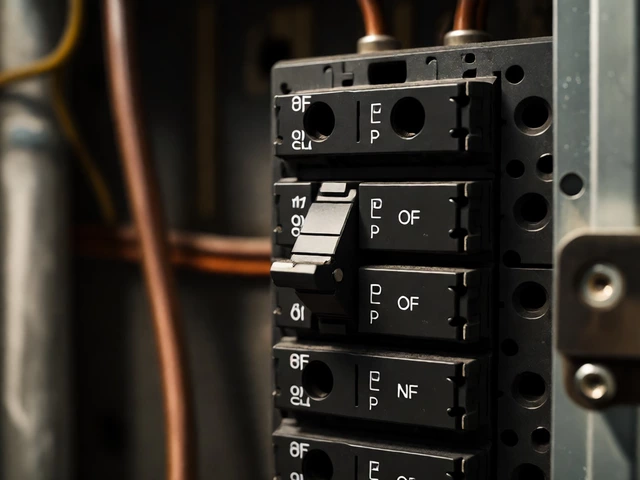
- Turn off power at the breaker.
- Remove cover plate carefully.
- Clean blades and housing with vacuum.
- Check if damper opens freely.
- Inspect wiring for fraying.
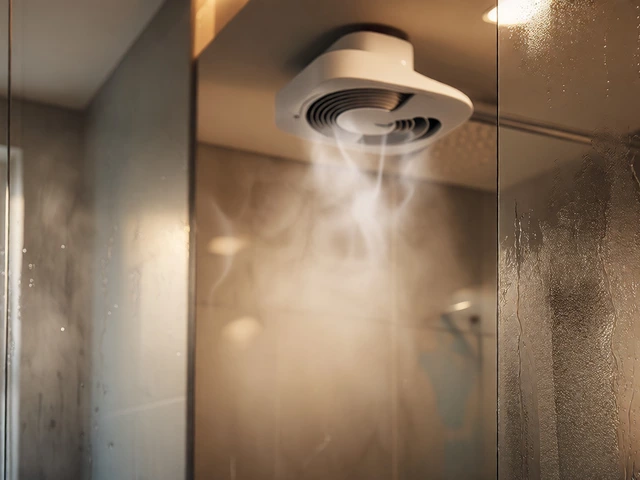
You hear that annoying rattle or a high-pitched whine coming from your ceiling. The air in your bathroom feels heavy, and the mirror stays fogged up long after you’ve stepped out of the shower. Your first instinct might be to rip the whole unit out and buy a new one. But wait. Before you head to the hardware store, ask yourself: can extractor fans be repaired? The short answer is yes, often. Many common issues are quick fixes that cost a fraction of a replacement.
I’ve spent years fixing appliances in Vancouver’s damp climate, where extractor fans work overtime fighting mold and moisture. I’ve seen homeowners throw away perfectly good units because they didn’t know how to diagnose a simple wiring issue or a clogged duct. This guide breaks down exactly what can be fixed, what should be replaced, and how to decide which path saves you money and hassle.
Key Takeaways
- Most mechanical failures are fixable: Motors, capacitors, and blades can often be replaced without buying a new unit.
- Cleaning solves half the problems: Dust buildup causes noise and poor airflow; regular cleaning restores performance.
- Age matters: Fans older than 10-15 years with multiple failing parts are usually better off being replaced.
- Safety first: Always cut power at the breaker before touching any internal components.
- Ductwork is part of the system: Sometimes the fan works fine, but the exhaust path is blocked.
Diagnosing the Problem: Is It Worth Fixing?
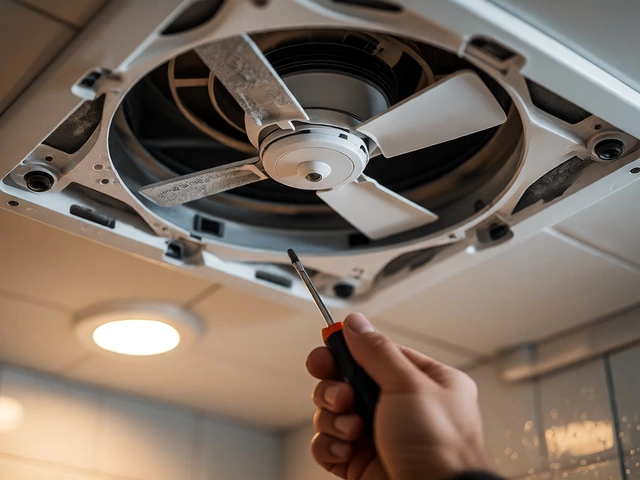
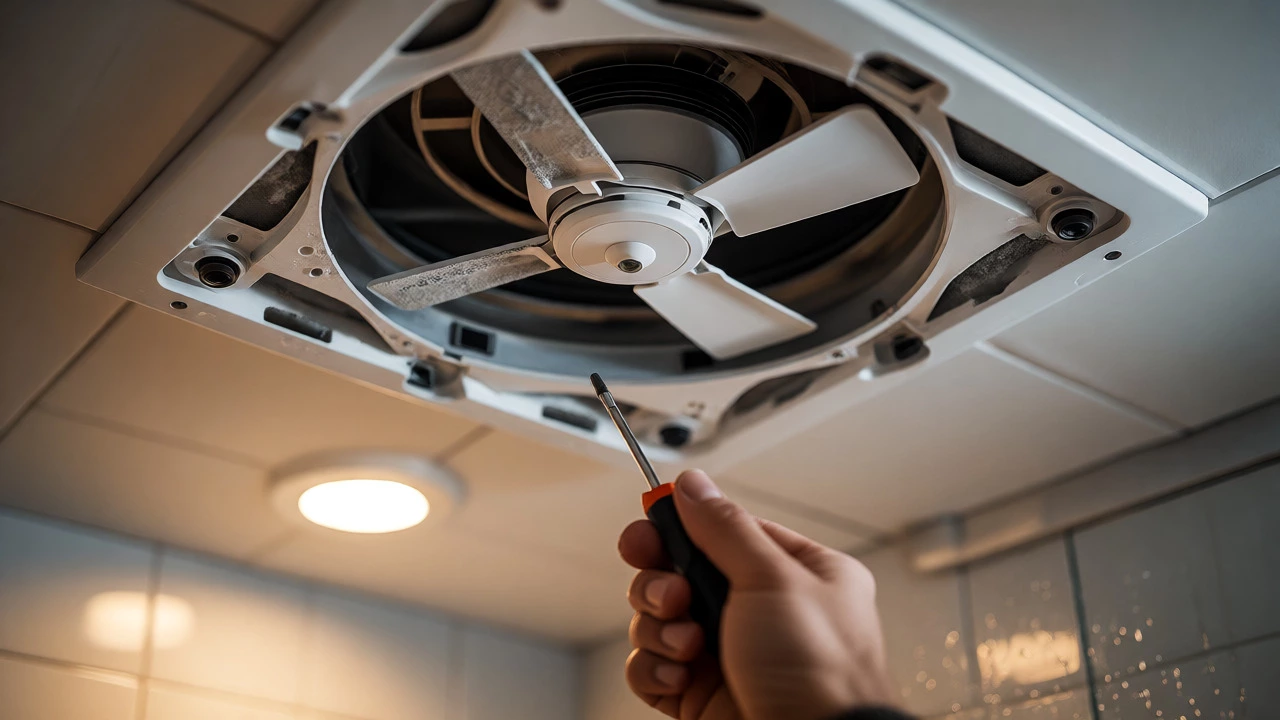
Before grabbing your screwdriver, you need to identify what’s actually broken. Not every noisy fan needs a new motor. In fact, many "broken" fans just need attention. Start by turning off the power at the circuit breaker. Remove the cover plate carefully-it’s often held by spring clips or screws.
Look for these common symptoms:
- Rattling or grinding noises: Often caused by loose screws, debris stuck in the fan blades, or worn bearings.
- Fan doesn’t start but hums: This frequently points to a faulty capacitor or a seized motor.
- No sound at all: Could be a dead switch, bad wiring, or a tripped GFCI outlet (if applicable).
- Poor ventilation despite running: Likely a clogged filter, blocked duct, or reversed damper.
If the fan runs but makes noise, clean it first. If it doesn’t run at all, check the electrical supply. Use a multimeter to test if voltage reaches the unit. If power arrives but the fan doesn’t spin, the motor or capacitor is likely the culprit.
Common Repairs You Can Do Yourself
Once you’ve diagnosed the issue, here are the most common repairs. These tasks require basic tools: a screwdriver, needle-nose pliers, a vacuum, and possibly a multimeter.
Cleaning and Debris Removal
Dust is the enemy of extractor fans. Over time, lint and dust coat the blades and housing, unbalancing the fan and straining the motor. Use a vacuum with a brush attachment to clean the blades and housing. For stubborn grime, use a mild detergent solution and a cloth. Never spray water directly into the motor.
Check the blower wheel, which is the cylindrical part that moves air. If it’s covered in thick dust, remove it if possible and wash it. Reinstall it securely. This single step often eliminates rattling and improves airflow significantly.
Replacing the Capacitor
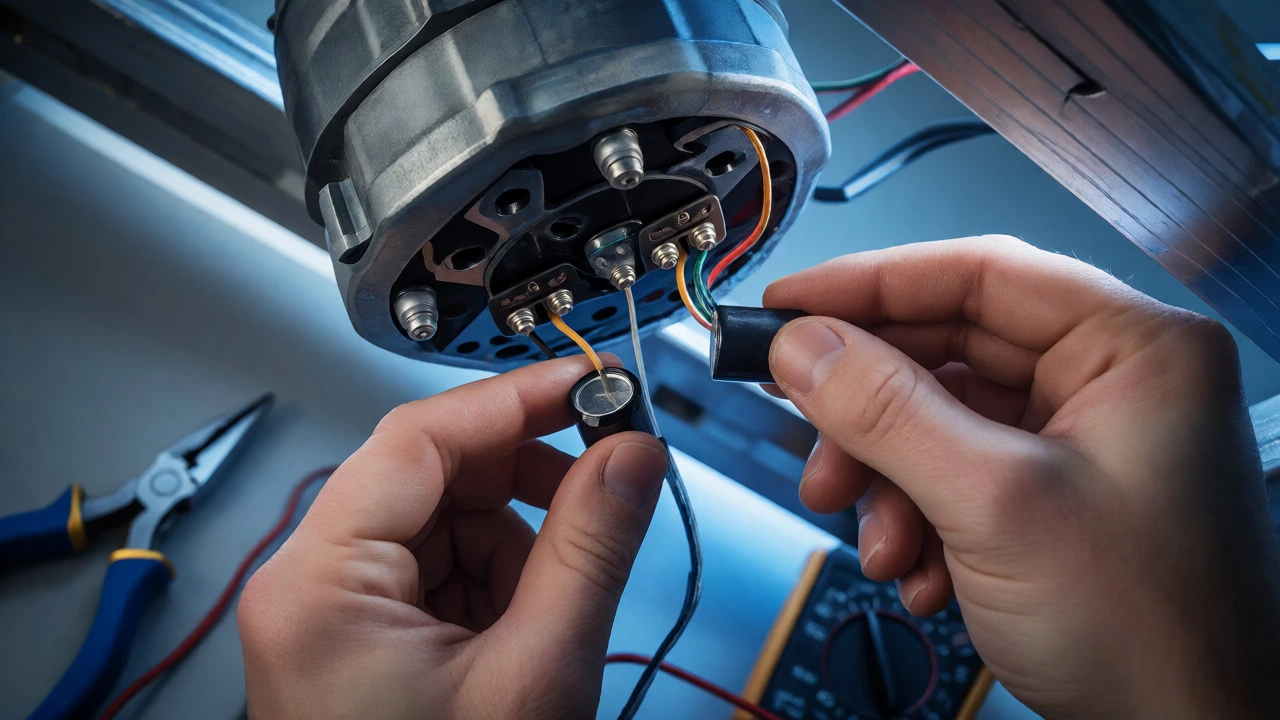
A capacitor helps the motor start and run smoothly. If your fan hums but doesn’t spin, or spins slowly, the capacitor might be failed. Capacitors are inexpensive ($5-$15) and easy to replace. Look for a small cylinder attached to the motor. Note its specifications (microfarads and voltage) and match them exactly when buying a replacement.
Disconnect the old capacitor wires, connect the new ones, and secure it. Test the fan. If it starts immediately and runs quietly, you’ve saved yourself a replacement cost.
Tightening Loose Components
Vibration loosens screws over time. Check all mounting brackets, housing screws, and blade attachments. Tighten anything that feels loose. Sometimes, adding a rubber washer between the motor mount and the housing reduces vibration noise effectively.
When Replacement Makes More Sense
Not every fan deserves repair. Some situations make replacement the smarter financial and practical choice.
| Scenario | Recommended Action | Reasoning |
|---|---|---|
| Fan is under 5 years old | Repair | Parts are cheap; unit has long life left. |
| Fan is over 10 years old | Replace | Efficiency standards have improved; motors wear out. |
| Motor burns out | Replace | New motors often cost as much as new units. |
| Housing is cracked or rusted | Replace | Structural integrity is compromised. |
| Only cosmetic damage | Repair/Clean | Functionality is intact. |
Modern energy-efficient fans move more air using less electricity and operate much quieter than models from 15 years ago. If your current unit is loud and inefficient, upgrading might lower your energy bills and improve comfort. Plus, newer models often include humidity sensors that turn the fan on automatically, preventing mold growth.
The Hidden Culprit: Ductwork Issues
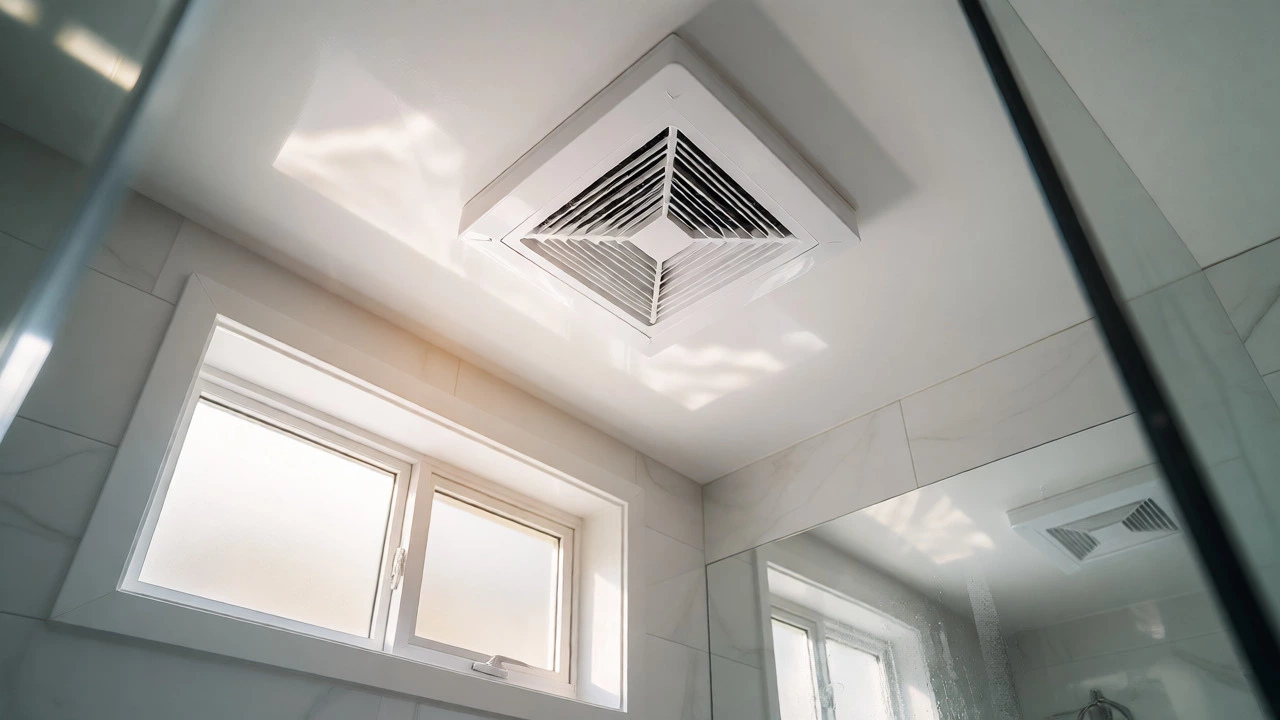
Sometimes the fan itself is fine, but the exhaust path is blocked. In Vancouver homes, especially older ones, ducts can accumulate years of dust, bird nests, or even ice buildup in winter. If the fan runs but doesn’t vent air outside, check the exterior vent hood.
Go outside and look for the vent flap. Does it open when the fan is on? If not, the damper might be stuck or frozen. Inside, disconnect the flexible duct from the fan housing and inspect it for kinks or blockages. Clean the duct if accessible. A blocked duct forces the motor to work harder, leading to premature failure.
Step-by-Step Repair Checklist
Follow this sequence to troubleshoot efficiently:
- Kill the power: Turn off the breaker. Verify no power with a tester.
- Remove the cover: Unclip or unscrew the grille.
- Inspect visually: Look for burnt wires, loose parts, or heavy dust.
- Clean thoroughly: Vacuum blades, housing, and blower wheel.
- Test manually: Spin the fan blade by hand. It should rotate freely. If it’s stiff, the motor bearings are seized.
- Check electrical connections: Ensure wire nuts are tight and no wires are frayed.
- Restore power and test: Listen for smooth operation.
Pro Tips for Longevity
To avoid frequent repairs, adopt these habits:
- Run the fan longer: Let it run for 20 minutes after showers to fully clear moisture.
- Clean filters regularly: If your model has a removable filter, wash it monthly.
- Avoid painting the grille: Paint can clog vents and weigh down blades.
- Check the timer: If your fan has an auto-off timer, ensure it’s set correctly so the fan doesn’t run unnecessarily, wearing out the motor.
Final Verdict: Repair or Replace?
So, can extractor fans be repaired? Absolutely. Cleaning, tightening, and replacing small components like capacitors solve most issues. However, if the motor is dead, the unit is ancient, or the housing is damaged, replacement is often more cost-effective. Consider the age of your unit and the cost of parts versus a new, efficient model. When in doubt, try the free fixes first-cleaning and checking connections. They resolve surprisingly many problems.
How long do extractor fans last?
Typically, extractor fans last between 10 and 15 years. Factors like usage frequency, humidity levels, and maintenance affect lifespan. In humid climates like Vancouver, consistent moisture can shorten this timeline if ventilation isn't adequate.
Why does my extractor fan make a loud noise?
Loud noises usually result from accumulated dust unbalancing the blades, loose screws vibrating against the housing, or worn-out motor bearings. Cleaning the fan and tightening all fasteners often resolves the issue. If the noise persists, the motor may need replacement.
Can I replace just the motor in an extractor fan?
Yes, but it depends on the model. Many integrated bathroom fans have sealed units where the motor is not easily replaceable separately. Standalone inline fans often allow motor swaps. Check the manufacturer's manual; if the motor costs more than 50% of a new unit, replacement is usually better.
What size extractor fan do I need?
Size is measured in CFM (Cubic Feet per Minute). For bathrooms, multiply the room's square footage by 1.1. For example, a 100 sq ft bathroom needs at least 110 CFM. Larger rooms or those with tubs/showers may require higher capacity to handle excess steam.
Is it safe to repair an extractor fan myself?
Yes, if you follow safety protocols. Always turn off the power at the circuit breaker before starting. Use a voltage tester to confirm the unit is dead. If you are uncomfortable working with electricity, hire a licensed electrician.