Your laptop just died. The screen is cracked, the keyboard is sticky, or it simply won’t turn on. You’re staring at a broken machine and wondering if you should spend money fixing it or just buy a new one. It’s a frustrating moment, but it’s also a financial decision that many people get wrong.
In 2026, laptops are more powerful than ever, but they are also more disposable. Manufacturers design devices with shorter lifespans to drive sales. However, throwing away a working computer isn’t always the smartest move. Whether you should repair your laptop depends on three main factors: the age of the device, the cost of the repair, and what you actually need the computer for.
The 50% Rule: When Does Repair Make Sense?
The simplest way to decide is to use the "50% rule." This is a standard heuristic used by IT professionals and consumers alike. If the cost of the repair is less than 50% of the price of a comparable new laptop, it is usually worth fixing. If the repair costs more than half the price of a new machine, you are better off buying new.
Let’s look at some real-world examples from the current market. In 2026, a solid mid-range laptop like an Acer Aspire or Lenovo IdeaPad costs around $600 to $800. If your screen breaks and the repair quote is $150, that is well under the 50% threshold ($300-$400). You should definitely fix it. On the other hand, if your motherboard fails and the shop quotes you $400 for parts and labor, you are nearing the point where a new $700 laptop offers better performance, a fresh warranty, and no hidden issues.
This rule applies differently to premium devices. A MacBook Pro or Dell XPS might cost $1,500 or more. In this case, a $300 screen repair is only 20% of the device's value. Even a $600 logic board repair might be worth it because replacing the entire ecosystem-your software licenses, cloud subscriptions, and personal data migration-is a headache that outweighs the cash cost.
Age Matters: The Three-Year Threshold
The age of your laptop is just as important as the repair cost. Most consumer laptops have a useful lifespan of three to five years. After five years, components degrade, batteries lose capacity, and operating system updates may stop supporting older hardware.
If your laptop is less than three years old, almost any major repair is worth considering. These machines still have plenty of life left. Their processors and RAM are likely still capable of handling modern tasks. For example, a 2024 model running Windows 11 or macOS Sequoia will feel snappy for another few years even after a repair.
If your laptop is between three and five years old, you need to be selective. Minor repairs like replacing a battery, cleaning the fans, or swapping a keyboard are usually good investments. These fixes can extend the life of the device by another year or two without breaking the bank. However, major component failures like a dead hard drive or GPU might signal that the rest of the machine is tired too.
If your laptop is older than five years, the answer is almost always "buy new." Technology has moved fast. A five-year-old processor is significantly slower than today’s entry-level chips. Plus, older laptops often lack support for the latest security protocols and software features. Spending money to revive a dinosaur rarely pays off.
Common Repairs and Their Costs in 2026
Not all repairs are created equal. Some are cheap and easy, while others are expensive and risky. Here is a breakdown of common laptop issues and whether they are typically worth fixing.
| Issue | Avg. Repair Cost (2026) | Worth Fixing? | Notes |
|---|---|---|---|
| Battery Replacement | $80 - $150 | Yes | Batteries degrade naturally. Extends life significantly. |
| Screen/Cracked Display | $150 - $400 | Depends | Cheap for HD screens, expensive for 4K/OLED panels. |
| Keyboard Replacement | $100 - $250 | Yes | Labor intensive but restores full functionality. |
| SSD/Hard Drive Failure | $50 - $100 (parts only) | Yes | Data recovery is separate and costly. New SSD is cheap. |
| Motherboard/Logic Board | $300 - $600+ | No | Usually indicates end-of-life. Buy new instead. |
| Hinge Damage | $100 - $200 | Maybe | Risk of cracking the screen further during repair. |
Note that these prices vary by region and brand. Apple repairs tend to be more expensive due to proprietary parts and authorized service center requirements. Windows laptops from brands like HP, Dell, and Lenovo often have cheaper third-party repair options available.
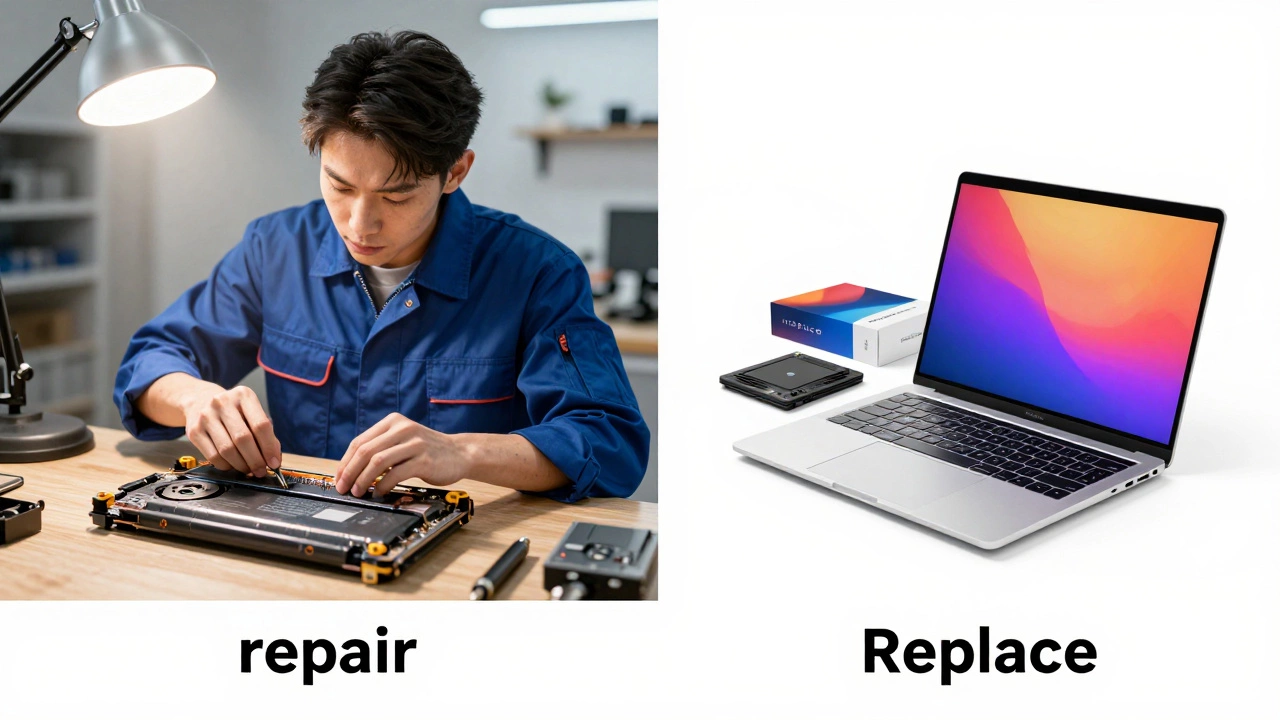
The Hidden Costs of Keeping an Old Laptop
When calculating whether to repair, don’t just look at the immediate bill. Consider the long-term costs. An old laptop consumes more power. Older processors and unoptimized operating systems draw more electricity, which adds up over time. While the difference might be small per month, it contributes to higher energy bills and a larger carbon footprint.
There is also the productivity factor. How much is your time worth? If your laptop freezes every hour, takes ten minutes to boot, or crashes when you open multiple tabs, you are losing work time. A slow machine causes stress and inefficiency. For students and professionals, the opportunity cost of a sluggish laptop can far exceed the price of a new device.
Security is another hidden cost. Older laptops may not receive critical security updates. Windows 10 reached its end of life in October 2025, meaning millions of devices are now unsupported. Running an unsupported OS exposes you to malware and data breaches. If your laptop cannot upgrade to the latest secure version of its operating system, it is a liability, not an asset.
Environmental Impact: Repair vs. Recycle
We live in an era of e-waste crisis. Millions of tons of electronic waste end up in landfills every year. From an environmental perspective, repairing your laptop is almost always the better choice. Manufacturing a new laptop requires mining rare earth metals, consuming vast amounts of water, and emitting significant greenhouse gases.
Extending the life of your device by just two years reduces its carbon footprint by roughly 30%. If you can fix the screen or replace the battery, you are keeping toxic materials out of the ground and reducing demand for new resource extraction. However, if the repair is futile and the laptop is beyond saving, do not throw it in the trash. Recycle it through certified e-waste programs. Many retailers like Best Buy or Staples offer free recycling bins for old electronics.

DIY Repairs: Save Money or Risk Damage?
In 2026, DIY laptop repair is more accessible than ever thanks to detailed guides from sites like iFixit and YouTube tutorials. Simple tasks like replacing a battery, upgrading RAM, or swapping an SSD can save you 50-70% of the professional repair cost. If you are handy with a screwdriver and patient, these upgrades are highly recommended.
However, complex repairs like screen replacements or motherboard soldering require specialized tools and skills. One wrong move can crack the display permanently or short-circuit the board. If you are not confident, stick to simple upgrades or seek professional help. Also, check your warranty. Opening the laptop yourself may void any remaining manufacturer coverage.
When to Definitely Buy New
There are clear signs that indicate repair is not the right path. If your laptop has suffered liquid damage, corrosion spreads quickly and affects multiple components. Even if it works initially, failure is inevitable. Liquid damage is rarely worth repairing unless the data inside is irreplaceable.
If your laptop is overheating constantly despite cleaning, the thermal paste may be dried out, or the cooling fan is failing. While this can sometimes be fixed, it often points to broader wear and tear. Similarly, if you find yourself needing more ports, better battery life, or higher resolution for work, a new laptop solves these problems holistically. Upgrading allows you to tailor the specs to your current needs rather than patching an old system.
Conclusion: Make an Informed Choice
Deciding whether to repair your laptop comes down to math and priorities. Use the 50% rule as your baseline. Check the age of your device. Consider the environmental impact. If the repair is minor and the laptop is relatively young, fix it. You’ll save money and reduce waste. If the repair is major, the laptop is old, or it’s causing you daily frustration, invest in a new one. Your future self will thank you for the speed, reliability, and peace of mind.
Is it cheaper to repair or replace a laptop?
It depends on the cost of the repair relative to the price of a new laptop. If the repair costs less than 50% of a new comparable model, repairing is usually cheaper. For minor issues like battery or screen replacement on newer models, repair wins. For major failures like motherboard issues on older laptops, replacement is more cost-effective.
How long should a laptop last before replacing?
Most laptops last between 3 to 5 years. After five years, performance degradation, lack of software support, and hardware fatigue make replacement advisable. With proper maintenance, such as battery care and regular cleaning, some business-grade laptops can last up to seven years.
Can I repair my own laptop to save money?
Yes, for simple tasks like replacing a battery, upgrading RAM, or installing a new SSD. These DIY repairs can save you significant labor costs. However, avoid opening your laptop if it’s under warranty or if the repair involves complex components like the screen or motherboard, unless you have technical experience.
What happens if I don't recycle my old laptop?
Throwing a laptop in the trash releases toxic chemicals like lead, mercury, and cadmium into the environment. E-waste is a major global pollutant. Always recycle old laptops through certified e-waste facilities or retailer take-back programs to ensure safe disposal and material recovery.
Is it worth repairing a laptop with liquid damage?
Generally, no. Liquid damage causes corrosion that spreads across the motherboard and other components. Even if the laptop works temporarily, failure is likely soon. Unless the data on the drive is critical and unrecoverable elsewhere, buying a new laptop is safer and more reliable.